
Collections
Audio-effect chains made for Draftlist, one click into Live. Coming with Draftlist Pro.
Coming Collections is coming with Draftlist Pro. It is not open yet: the tab says "Collections opens soon."
Collections will be audio-effect chains made by Draftlist, ready to drop into Live. This page says what to expect. It will grow when Collections opens.
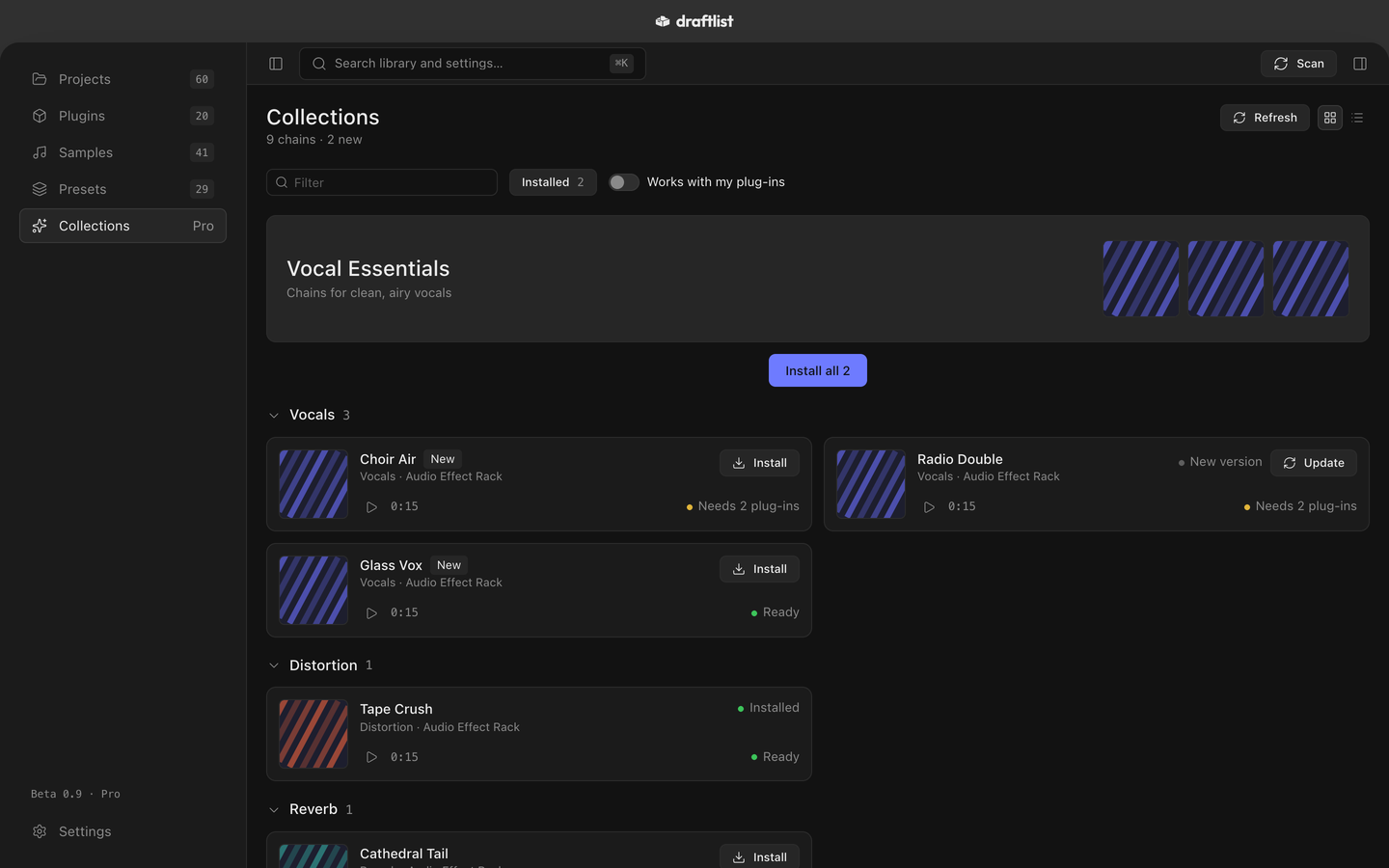
Chains
Each chain is an Audio Effect Rack for Live. Its card shows whether it is ready on your Mac, or which plugins it needs. Open a chain to hear a dry and a wet preview, and to see every device in it.
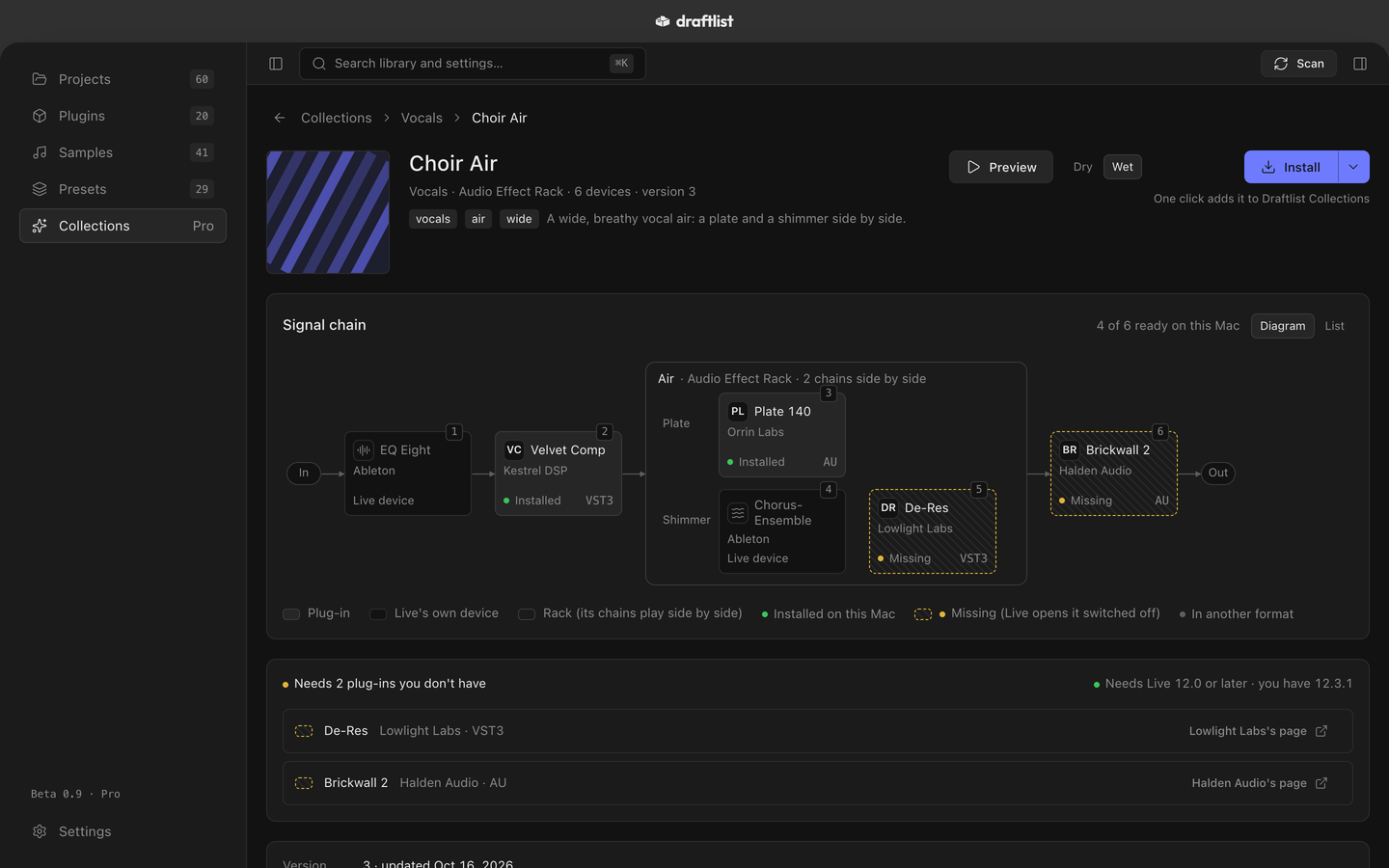
Install
Install puts the chain where Live's browser can show it. A chain that needs a plugin you don't have can still be installed. If you change an installed chain in Live, Draftlist never overwrites it: a new version goes beside it.
Where chains go
Choose in Settings ▸ Collections ▸ Where chains go:
- Draftlist Collections: a folder in Draftlist's own files. Add it to Live's browser once, under Places. Draftlist shows you how.
- Live's User Library: Live already shows it, so there is nothing to set up.
- A folder you choose…
Collections loads its chains from draftlist.app only after you turn on Connect to Collections. Nothing about you or your library is sent.
Last updated
Something wrong or missing on this page? Tell us.